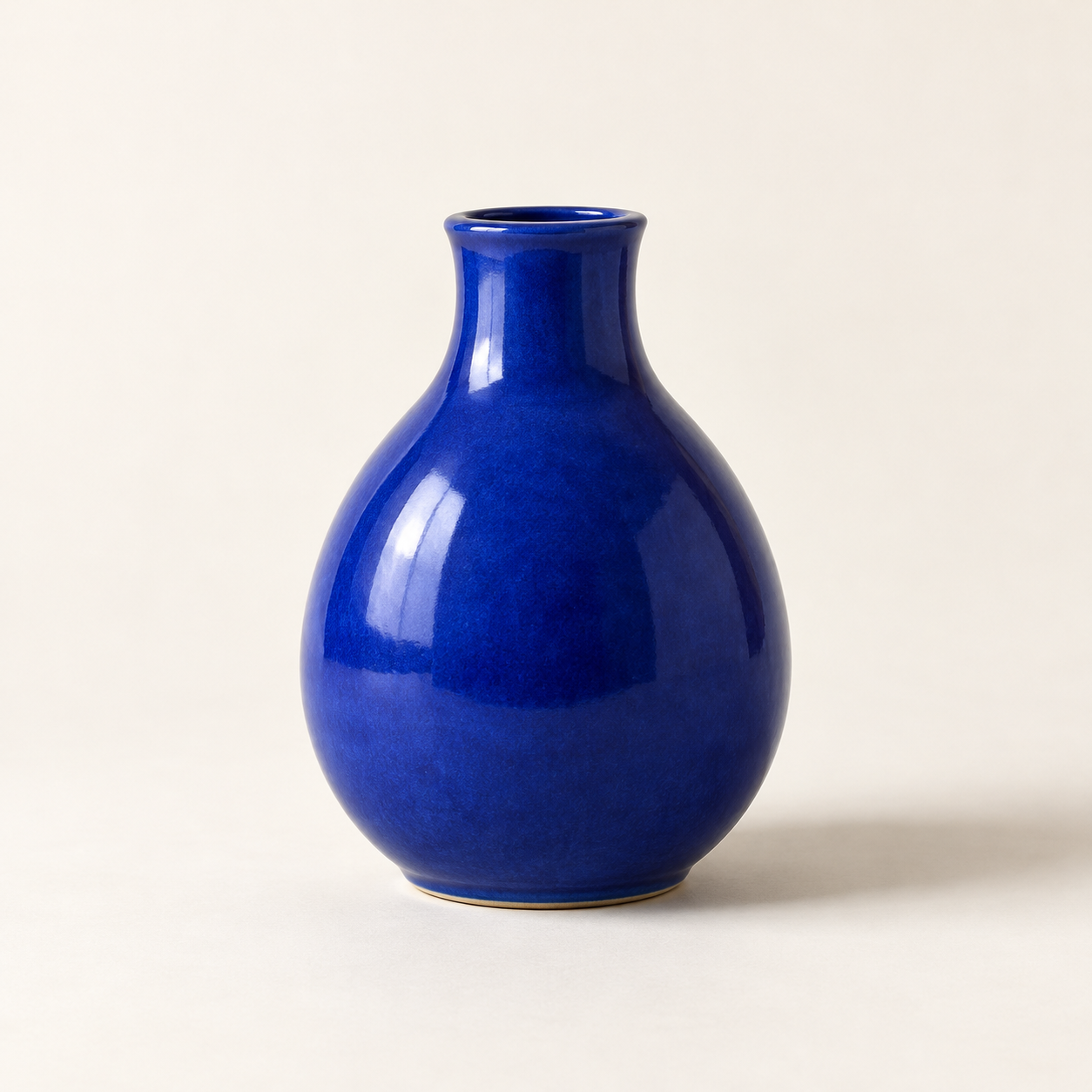
Generated with the built-in image tool, saved and inspected. The image matches the requested vase, composition, lighting, and background.
Saved copy: output/imagegen/vase-original.png

Submitted prompt:
Generate one square photorealistic studio product photograph of a small cobalt-blue ceramic vase. The vase has a rounded pear-shaped body, a narrow short neck, glossy glaze, no handle, no decoration, no logo and no text. Show the whole vase centered on a warm off-white seamless surface and background, with generous space around it. Straight-on camera. Diffused light from the upper left creates realistic glossy highlights and a soft shadow to the right. No other objects, no watermark.
Saved the built-in image-to-image edit to output/imagegen/vase-sage-edited.png. Original preserved.

Inspected result: sage-green background and surface, matching vase silhouette and framing, upper-left highlights, and soft rightward shadow. Visible drift: the glaze texture looks slightly coarser and the shadow somewhat darker.
Exact prompt:
Edit the supplied source photograph (edit target: vase-original.png). Replace ONLY the off-white studio background and tabletop with a pale sage-green seamless studio background and surface. Preserve the SAME cobalt-blue ceramic vase exactly as in the source: its silhouette, shape, proportions, rim and opening, glossy glaze texture and reflections, blue color, position, scale, framing, and camera angle. Preserve the upper-left lighting and a natural soft shadow falling to the right on the sage-green surface. Maintain the square composition and photorealistic product photography. Do not redesign or replace the vase. No plants, no extra objects, no logo, no text.
Two actual Codex CLI runs: text-to-image, then editing that output with an attached source image. Agent outputs are reproduced verbatim. The image model ID was not reported. Images are hosted on R2 and shown in the detailed description. No API script or separate API key was used.
説明から新しい画像を生成し、または指定した元画像を編集します。プロンプトと保持する要素を整理し、内蔵ツールで生成して結果を確認し、別ファイルに保存します。
内蔵画像生成を利用できる、サインイン済みの Codex CLI が必要です。利用条件と上限はクライアントとアカウントに依存します。画像ツールのない環境に機能を追加する Skill ではありません。OpenAI CLI、API スクリプト、別途の API キーは不要です。
使い方
codex 'Use $codex-image-studio to generate a blue ceramic vase on an off-white studio background.'
codex --image ./vase-original.png 'Use $codex-image-studio to change only the background to pale sage green. Preserve the vase and save a new file.'
実際の CLI デモ
検証環境:Codex CLI 0.166.0、実行モデル gpt-6.1-sol。画像モデルの ID はツールから報告されていません。実際の出力画像は R2 に別途保存され、Skill の zip には含まれません。
1. テキストから画像生成
Generate one square photorealistic studio product photograph of a small cobalt-blue ceramic vase. The vase has a rounded pear-shaped body, a narrow short neck, glossy glaze, no handle, no decoration, no logo and no text. Show the whole vase centered on a warm off-white seamless surface and background, with generous space around it. Straight-on camera. Diffused light from the upper left creates realistic glossy highlights and a soft shadow to the right. No other objects, no watermark.
2. 画像編集:背景を変更
Edit the supplied source photograph (edit target: vase-original.png). Replace ONLY the off-white studio background and tabletop with a pale sage-green seamless studio background and surface. Preserve the SAME cobalt-blue ceramic vase exactly as in the source: its silhouette, shape, proportions, rim and opening, glossy glaze texture and reflections, blue color, position, scale, framing, and camera angle. Preserve the upper-left lighting and a natural soft shadow falling to the right on the sage-green surface. Maintain the square composition and photorealistic product photography. Do not redesign or replace the vase. No plants, no extra objects, no logo, no text.
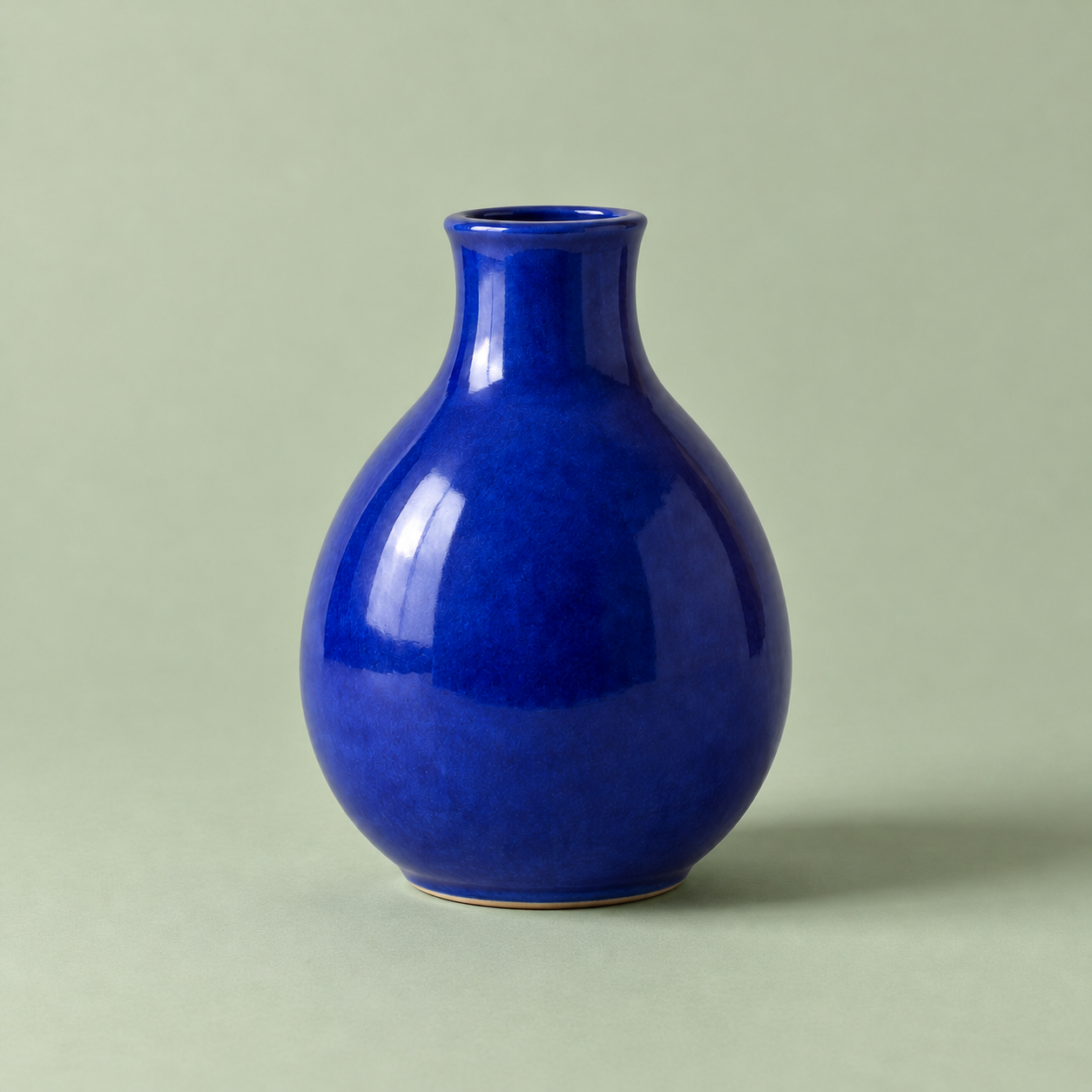
最初の画像はテキストから生成し、その画像を直接入力して背景を変更しました。花瓶の輪郭と構図はおおむね維持されていますが、釉薬の質感が少し粗く、影が濃くなっています。ピクセル単位の一致は保証しません。
中リスク:サインイン済みの Codex 画像サービスへ選択したプロンプトと参照画像を送信し、新しい画像ファイルを保存します。アカウント権限と利用上限が適用されます。実行スクリプトや別途の API キーは不要で、元画像は保持する指示です。画像生成と編集を各1回実行しました。人物の同一性、文字描画、他のクライアント版は未検証です。