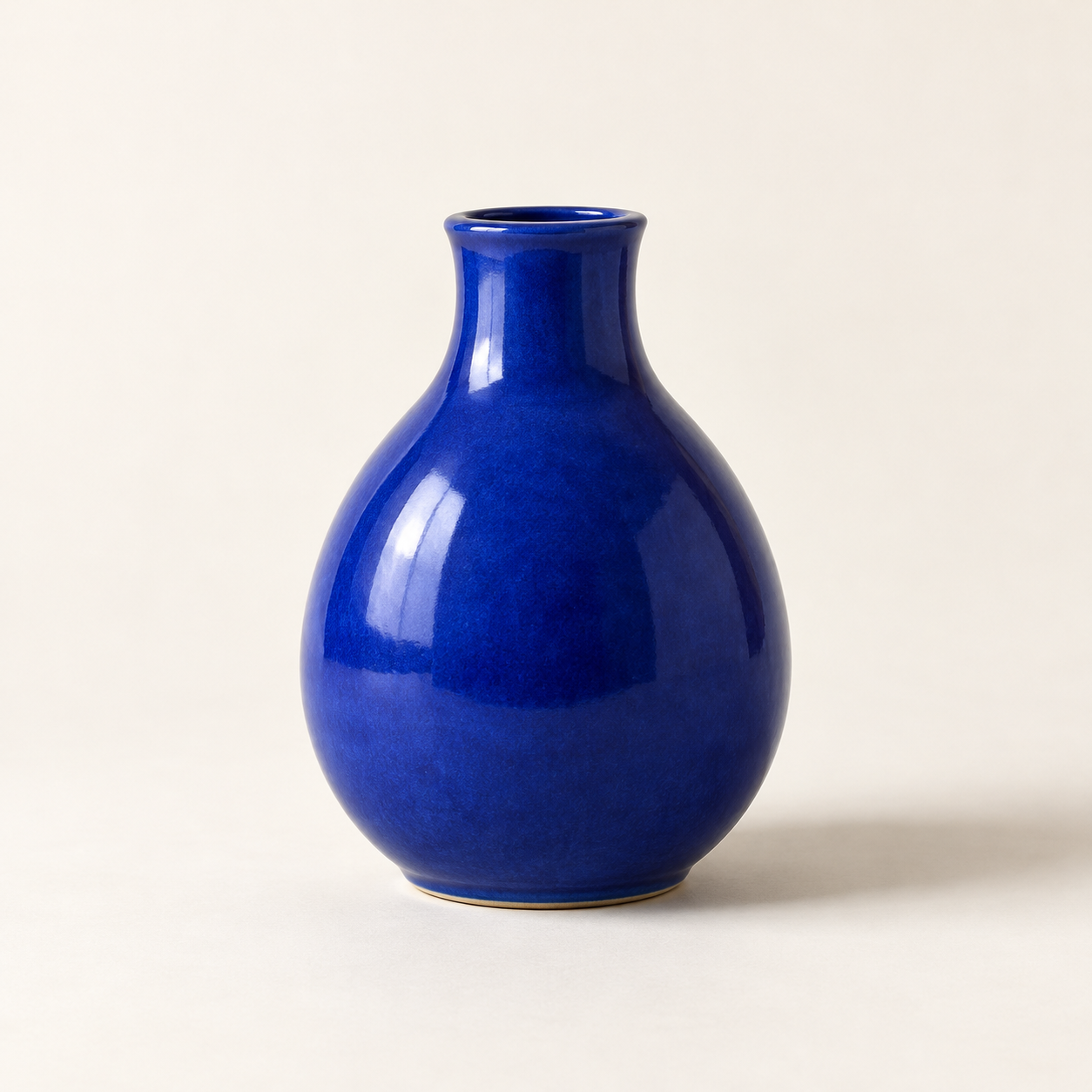
Generated with the built-in image tool, saved and inspected. The image matches the requested vase, composition, lighting, and background.
Saved copy: output/imagegen/vase-original.png

Submitted prompt:
Generate one square photorealistic studio product photograph of a small cobalt-blue ceramic vase. The vase has a rounded pear-shaped body, a narrow short neck, glossy glaze, no handle, no decoration, no logo and no text. Show the whole vase centered on a warm off-white seamless surface and background, with generous space around it. Straight-on camera. Diffused light from the upper left creates realistic glossy highlights and a soft shadow to the right. No other objects, no watermark.
Saved the built-in image-to-image edit to output/imagegen/vase-sage-edited.png. Original preserved.

Inspected result: sage-green background and surface, matching vase silhouette and framing, upper-left highlights, and soft rightward shadow. Visible drift: the glaze texture looks slightly coarser and the shadow somewhat darker.
Exact prompt:
Edit the supplied source photograph (edit target: vase-original.png). Replace ONLY the off-white studio background and tabletop with a pale sage-green seamless studio background and surface. Preserve the SAME cobalt-blue ceramic vase exactly as in the source: its silhouette, shape, proportions, rim and opening, glossy glaze texture and reflections, blue color, position, scale, framing, and camera angle. Preserve the upper-left lighting and a natural soft shadow falling to the right on the sage-green surface. Maintain the square composition and photorealistic product photography. Do not redesign or replace the vase. No plants, no extra objects, no logo, no text.
Two actual Codex CLI runs: text-to-image, then editing that output with an attached source image. Agent outputs are reproduced verbatim. The image model ID was not reported. Images are hosted on R2 and shown in the detailed description. No API script or separate API key was used.
설명으로 새 이미지를 만들거나 지정한 원본을 편집합니다. 프롬프트와 보존할 요소를 정리하고 내장 도구를 호출해 결과를 살핀 뒤 새 파일로 저장합니다.
내장 이미지 생성 기능을 쓸 수 있는 로그인된 Codex CLI가 필요합니다. 접근 권한과 한도는 클라이언트 및 계정에 따라 달라집니다. 이미지 도구가 없는 환경에 기능을 추가하지는 않습니다. OpenAI CLI, API 스크립트, 별도 API 키가 필요하지 않습니다.
사용 방법
codex 'Use $codex-image-studio to generate a blue ceramic vase on an off-white studio background.'
codex --image ./vase-original.png 'Use $codex-image-studio to change only the background to pale sage green. Preserve the vase and save a new file.'
실제 CLI 데모
실행 환경: Codex CLI 0.166.0, 실행 모델 gpt-6.1-sol. 도구가 이미지 모델 ID를 제공하지 않아 추측하지 않았습니다. 실제 결과는 R2에 별도로 저장되며 Skill zip에 포함되지 않습니다.
1. 텍스트로 이미지 생성
Generate one square photorealistic studio product photograph of a small cobalt-blue ceramic vase. The vase has a rounded pear-shaped body, a narrow short neck, glossy glaze, no handle, no decoration, no logo and no text. Show the whole vase centered on a warm off-white seamless surface and background, with generous space around it. Straight-on camera. Diffused light from the upper left creates realistic glossy highlights and a soft shadow to the right. No other objects, no watermark.
2. 이미지 편집: 배경 바꾸기
Edit the supplied source photograph (edit target: vase-original.png). Replace ONLY the off-white studio background and tabletop with a pale sage-green seamless studio background and surface. Preserve the SAME cobalt-blue ceramic vase exactly as in the source: its silhouette, shape, proportions, rim and opening, glossy glaze texture and reflections, blue color, position, scale, framing, and camera angle. Preserve the upper-left lighting and a natural soft shadow falling to the right on the sage-green surface. Maintain the square composition and photorealistic product photography. Do not redesign or replace the vase. No plants, no extra objects, no logo, no text.
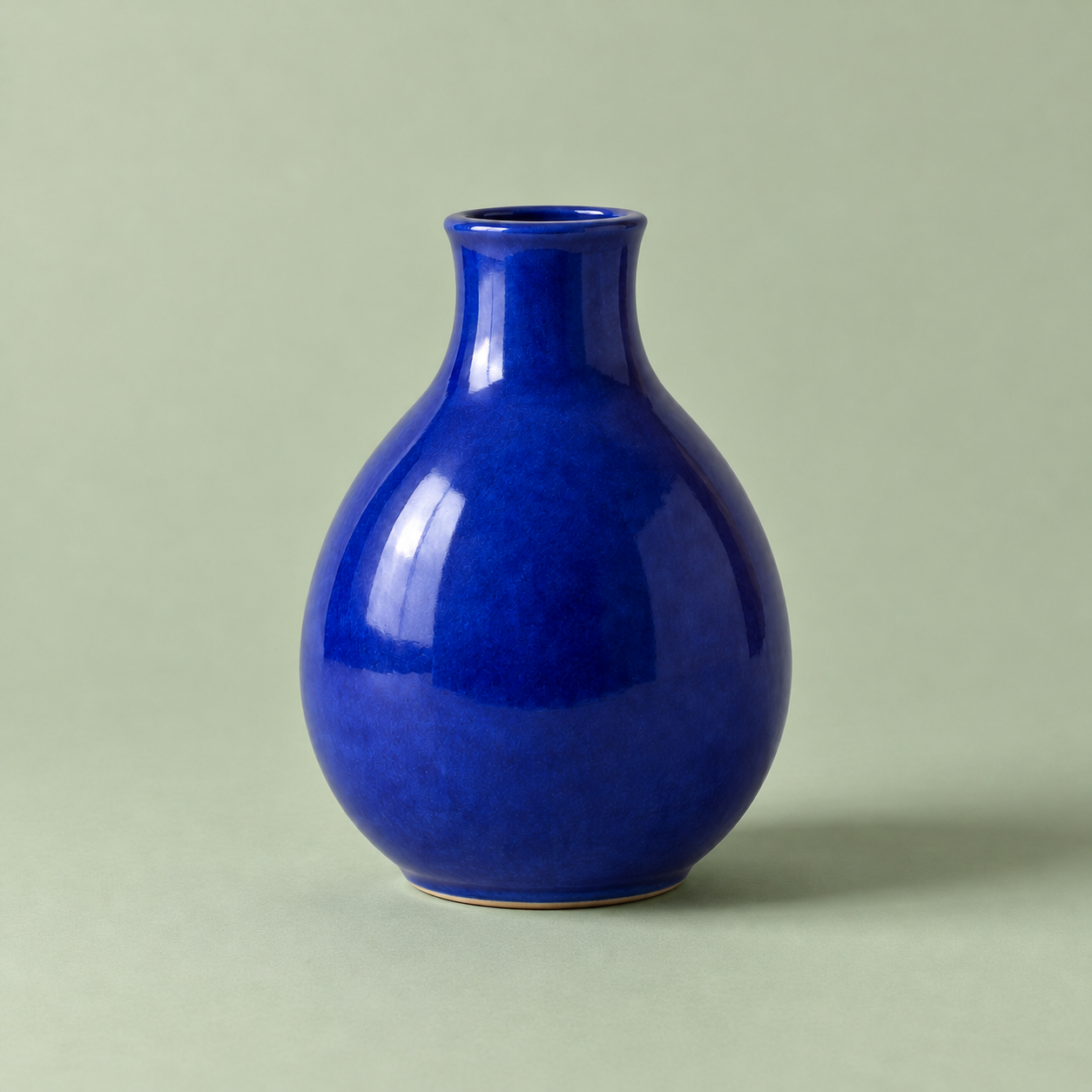
첫 이미지는 텍스트로 생성했고, 그 파일을 직접 입력해 두 번째 이미지를 편집했습니다. 꽃병의 윤곽과 구도는 대체로 유지되었으나 유약 질감이 조금 거칠어지고 그림자가 어두워졌습니다. 픽셀 단위 보존을 보장하지 않습니다.
중간 위험: 로그인된 Codex 이미지 서비스에 선택한 프롬프트와 참고 이미지를 전송하고 새 이미지 파일을 저장합니다. 계정 권한과 사용 한도가 적용됩니다. 실행 스크립트나 별도 API 키는 필요하지 않으며 원본을 보존하도록 지시합니다. 텍스트 생성과 이미지 편집을 각각 1회 실행했습니다. 인물 일관성, 문자 렌더링, 다른 클라이언트 버전은 시험하지 않았습니다.