I made six code-drawn concepts and compared them on light and dark sheets. I exported the kit for #4, the swatch fan. I looked at both sheets and the kit preview board.
Rejected
- #1 phone, #2 sun/horizon, #3 overlap, #6 monogram: their dark ink disappears on the dark sheet. Only the coral dot, sun or crescent is left, and the shapes that give them meaning are gone. They would need a plate or a separate dark variant.
- #6: it is also an "H", not a "P". That's a mistake for Paletta.
Shortlist
-
#4 swatch fan (teal, yellow and coral cards) is the pick.
- Name fit: it reads as a paint-chip fan, which is a palette.
- Tone: the rounded cards are friendly and minimal, with no purple.
- Themes: the colors work on both light and dark backgrounds with no changes.
- At 16px: the silhouette is gone, and the pale highlight tab and the card edges turn to mush. What's left is three colored stripes, a small rainbow-like flag. That's recognizable as color but not as swatches. On the light plate in the kit's favicon it holds up better than bare on the sheet, but it is the weakest part of this mark. It reads fine at 32px and up.
- Risk: a swatch fan is a common idea, so check it for similarity before launch.
-
#5 block light (a dark rounded square with a coral quarter-circle and dot) is the runner-up.
- At 16px: it is the best of the six. The solid plate keeps the shape, and the coral shapes stay visible.
- Themes: it works on both backgrounds because it carries its own plate.
- Weakness: it says nothing about palettes or wallpapers. It could be any app icon, so it is safe but generic.
Kit for #4 is in kit/: mark.png, mark-black.png, mark-white.png, lockup-light.png, lockup-dark.png, favicon.ico, apple-touch-icon.png, icon-512.png, og-1200x630.png and preview.png.
- Raster only: these are PNGs, not vector files. Redraw the mark as SVG before using it in production.
- OG image: its background is a deep navy. It isn't purple, but check it if you want to avoid any violet cast.
- Before launch: run a reverse image search and a trademark search on the mark and the name "Paletta".
If you want a stronger 16px favicon, I can make a simplified two-card version, or use #5's plate approach for the small sizes only.
One real run in an isolated temp folder with only this skill installed. The agent could use Skill, Read and three allow-listed scripts (shapes.py, contact_sheet.py, export_kit.py); no general shell, no network. It ran the code-drawn path only: concepts, comparison sheets and kit export. The AI concept path (ComfyUI + FLUX 3 Klein) was not part of this run. Output is shown verbatim, including its own criticism of the weakest concepts.
它做什麼
帶著代理設計品牌 logo:不是反覆打磨一個方案,而是一次探索多個不同的方向,選出最好的再用程式定稿。
運作方式
- 先詢問一份簡短的需求:名稱與含義、風格、配色、logo 不能像什麼。
- 從不同角度做六個概念:用本機 ComfyUI + FLUX 3 Klein 生成 AI 概念,再用 Pillow 繪製精確的幾何概念。
- 放進同一張比較圖,帶深淺兩種底色和 64/32/16 像素預覽,並寫明淘汰理由。
- 把選中的概念重畫成精確圖形,匯出整套:黑白剪影、深淺兩版字標、favicon.ico、apple-touch-icon、512 像素圖示和 1200x630 的 OG 圖。
範例
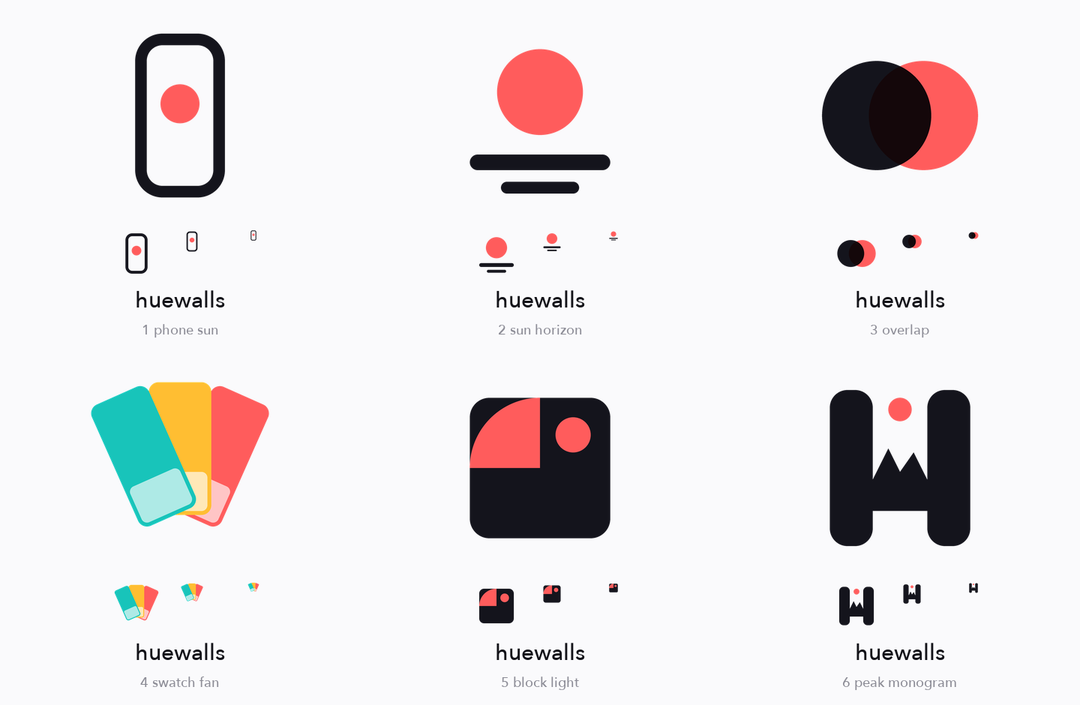
程式繪製的概念,淺色底比較,帶 64/32/16 像素預覽
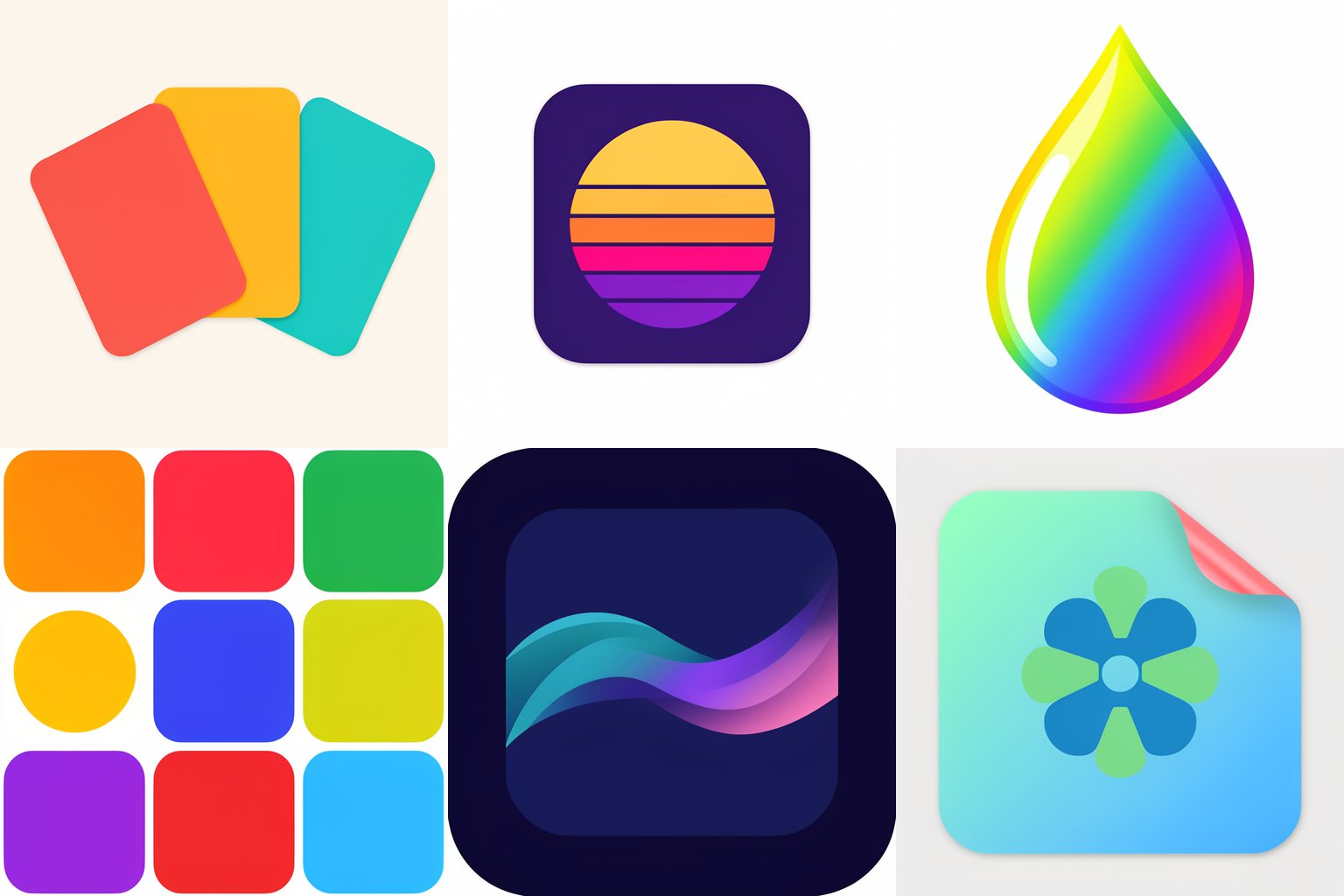
FLUX 3 Klein 生成的六個 AI 概念,每個提示詞只含一個想法,有成功也有失敗
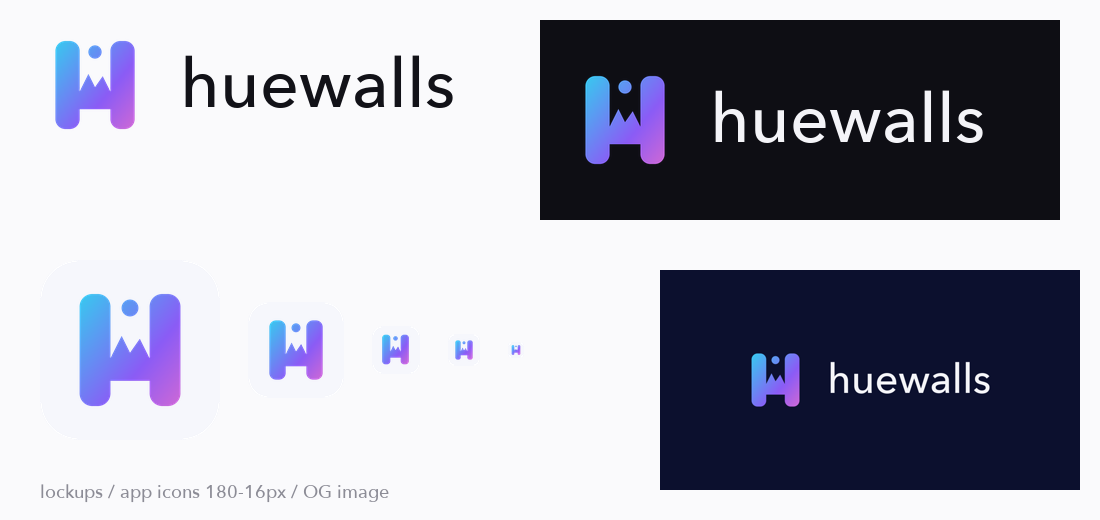
用選定標誌生成的整套匯出檔案
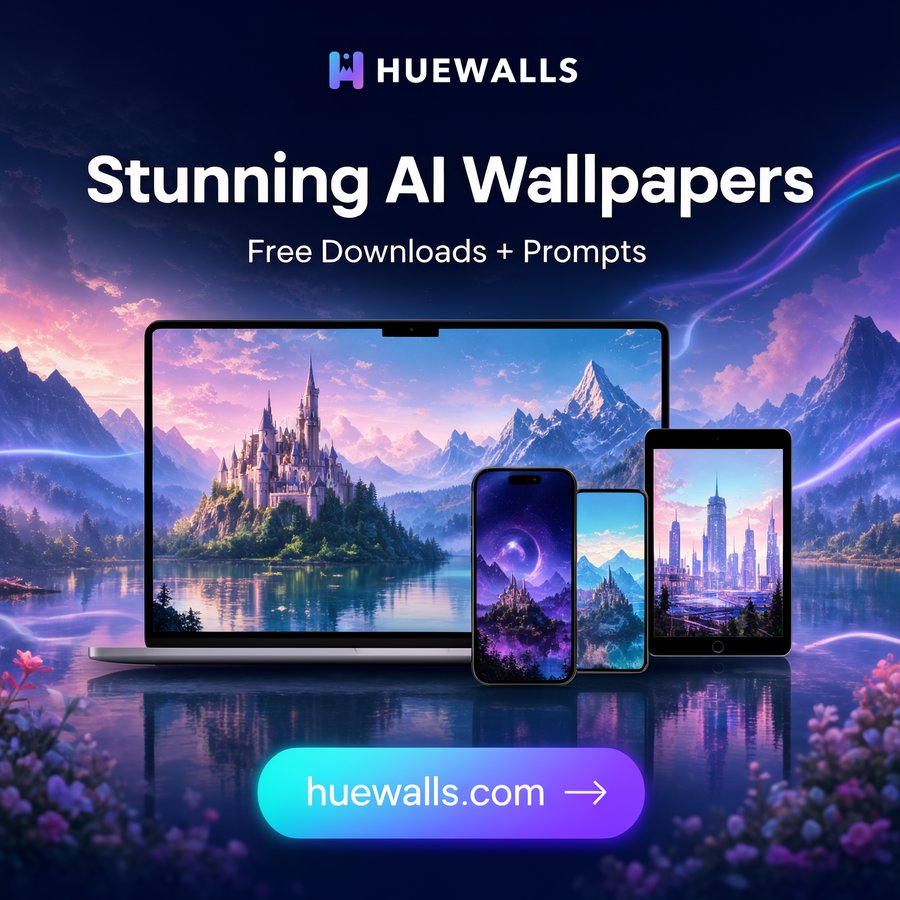
標誌用在社群廣告裡的效果
適合誰
需要快速取得 logo、favicon 和分享圖的創業者與開發者,並且希望看到幾個真正不同的方向,而不是同一個想法的幾個變體。
中風險:包含 5 個 Python 腳本,會把圖片檔案寫入你指定的資料夾,並向你本機的 ComfyUI 服務送出 HTTP 請求(預設 127.0.0.1:8188,可用 COMFY_URL 修改)。不讀取金鑰、不刪除任何檔案,除此之外不連網。已由代理在隔離資料夾中試用一次,只放行三個腳本,走的是程式繪製路徑(概念、比較圖、匯出套件);AI 路徑(ComfyUI + FLUX 3 Klein)不在這次試用範圍內,只由作者在 macOS 上單獨執行過。需要安裝了 Pillow 和 numpy 的 Python;FLUX 模型的授權請自行確認是否適用於你的用途。它無法證明 logo 是唯一的:上線前請自行做以圖搜圖和商標檢索。