I made six code-drawn concepts and compared them on light and dark sheets. I exported the kit for #4, the swatch fan. I looked at both sheets and the kit preview board.
Rejected
- #1 phone, #2 sun/horizon, #3 overlap, #6 monogram: their dark ink disappears on the dark sheet. Only the coral dot, sun or crescent is left, and the shapes that give them meaning are gone. They would need a plate or a separate dark variant.
- #6: it is also an "H", not a "P". That's a mistake for Paletta.
Shortlist
-
#4 swatch fan (teal, yellow and coral cards) is the pick.
- Name fit: it reads as a paint-chip fan, which is a palette.
- Tone: the rounded cards are friendly and minimal, with no purple.
- Themes: the colors work on both light and dark backgrounds with no changes.
- At 16px: the silhouette is gone, and the pale highlight tab and the card edges turn to mush. What's left is three colored stripes, a small rainbow-like flag. That's recognizable as color but not as swatches. On the light plate in the kit's favicon it holds up better than bare on the sheet, but it is the weakest part of this mark. It reads fine at 32px and up.
- Risk: a swatch fan is a common idea, so check it for similarity before launch.
-
#5 block light (a dark rounded square with a coral quarter-circle and dot) is the runner-up.
- At 16px: it is the best of the six. The solid plate keeps the shape, and the coral shapes stay visible.
- Themes: it works on both backgrounds because it carries its own plate.
- Weakness: it says nothing about palettes or wallpapers. It could be any app icon, so it is safe but generic.
Kit for #4 is in kit/: mark.png, mark-black.png, mark-white.png, lockup-light.png, lockup-dark.png, favicon.ico, apple-touch-icon.png, icon-512.png, og-1200x630.png and preview.png.
- Raster only: these are PNGs, not vector files. Redraw the mark as SVG before using it in production.
- OG image: its background is a deep navy. It isn't purple, but check it if you want to avoid any violet cast.
- Before launch: run a reverse image search and a trademark search on the mark and the name "Paletta".
If you want a stronger 16px favicon, I can make a simplified two-card version, or use #5's plate approach for the small sizes only.
One real run in an isolated temp folder with only this skill installed. The agent could use Skill, Read and three allow-listed scripts (shapes.py, contact_sheet.py, export_kit.py); no general shell, no network. It ran the code-drawn path only: concepts, comparison sheets and kit export. The AI concept path (ComfyUI + FLUX 3 Klein) was not part of this run. Output is shown verbatim, including its own criticism of the weakest concepts.
What it does
Guides an agent through designing a brand logo by exploring many different concepts at once instead of polishing one, then finishing the winner in code.
How it works
- Ask for a short brief: name and meaning, tone, palette, and what the logo must not resemble.
- Make six concepts from different angles - AI concepts with a local ComfyUI + FLUX 3 Klein, and exact geometric ones drawn with Pillow.
- Put them on one comparison sheet with light and dark backgrounds and 64/32/16px previews, and reject the weak ones for stated reasons.
- Redraw the winner as exact shapes and export the kit: black and white silhouettes, light and dark lockups, favicon.ico, apple-touch-icon, 512px icon and a 1200x630 OG image.
Examples
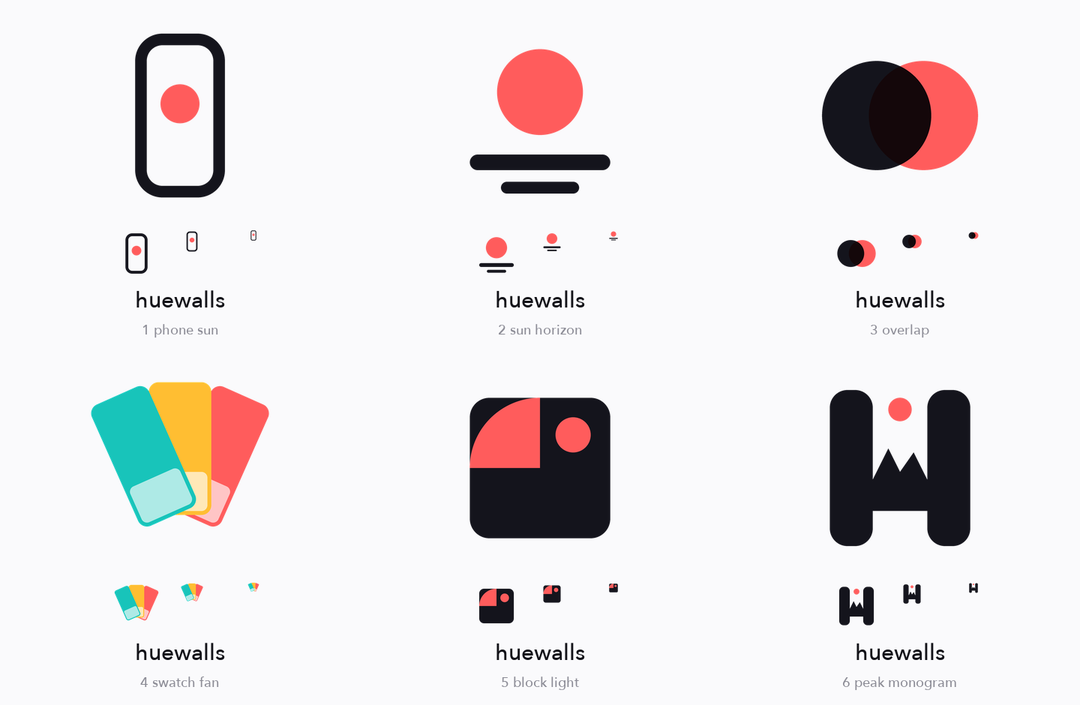
Code-drawn concepts compared on a light background, with 64/32/16px previews
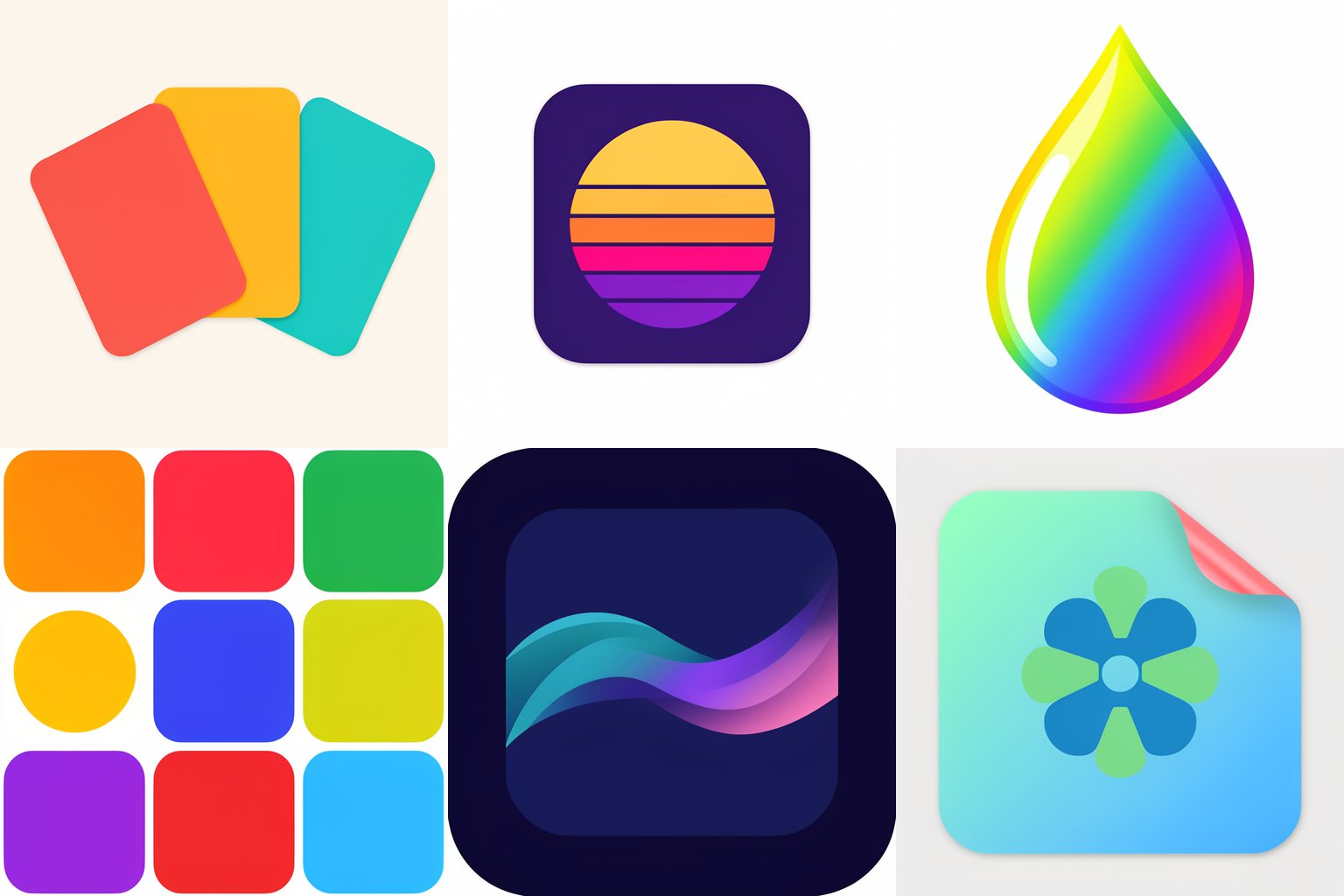
Six AI concepts from FLUX 3 Klein, one idea per prompt - some work, some fail
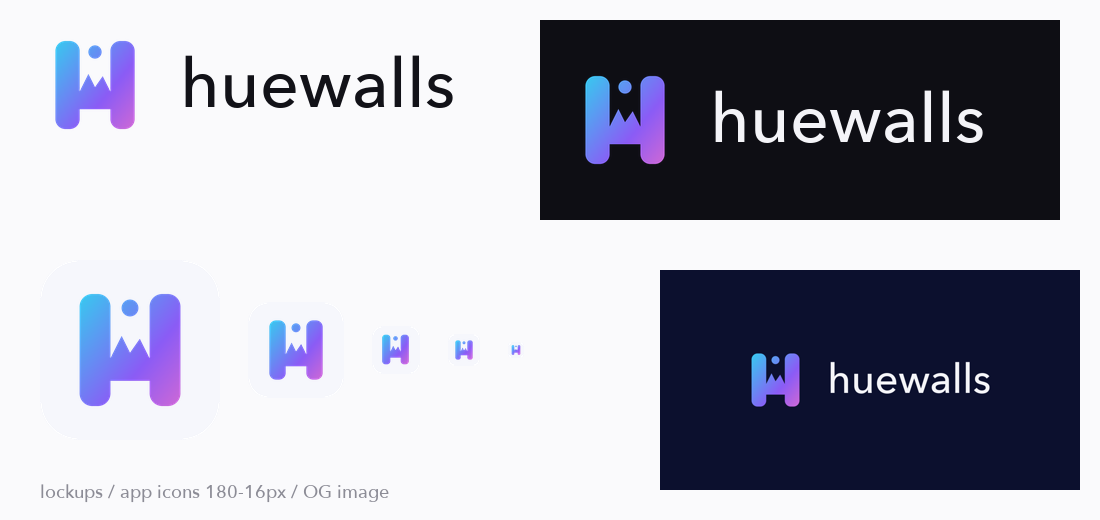
The export kit generated from one chosen mark
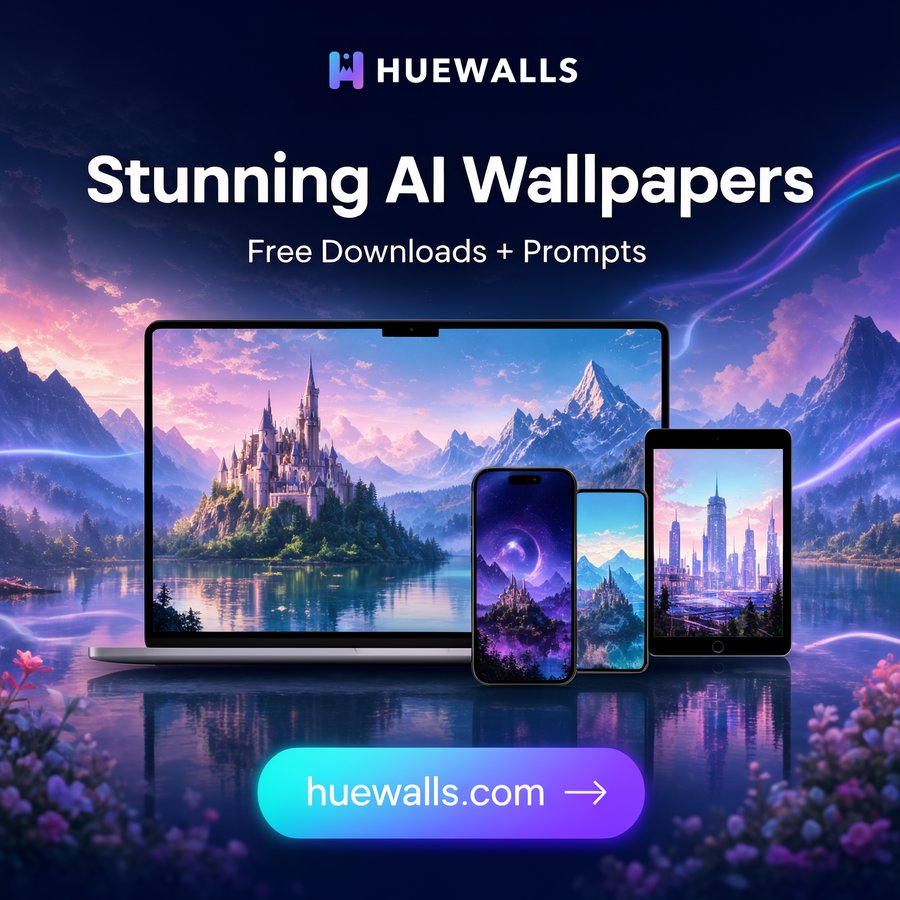
The mark in use on a social ad
Good for
Founders and developers who need a logo, favicon and share image quickly, and want several different directions to choose from rather than variations of one idea.
Medium risk: contains 5 Python scripts that write image files into folders you choose and send HTTP requests to a ComfyUI server on your own machine (default 127.0.0.1:8188, change with COMFY_URL). No secrets are read, nothing is deleted, and there is no other network access. Trialed once by an agent in an isolated folder with only three allow-listed scripts, on the code-drawn path (concepts, comparison sheet, kit export). The AI path (ComfyUI + FLUX 3 Klein) was not part of that trial and was only run by the author on macOS. Needs Python with Pillow and numpy; check the FLUX model license for your use. It cannot prove a logo is unique: run reverse-image and trademark searches before launch.